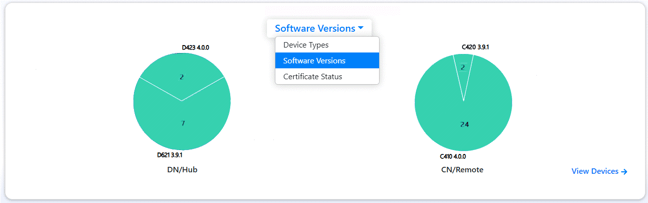
You can view the current levels of firmware on devices in your Networks from the Dashboard:
-
Open the AltoCommand WebUI:
In your browser's address bar, type:
https://hostname
where hostname is the fully qualified domain name of the AltoCommand server.
-
Log into the WebUI as a user with admin privileges.
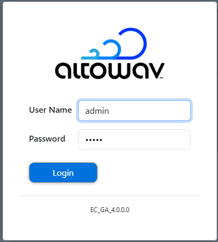
The default username is admin
The default password is admin
The AltoCommand WebUI will open to the Dashboard's Summary page.
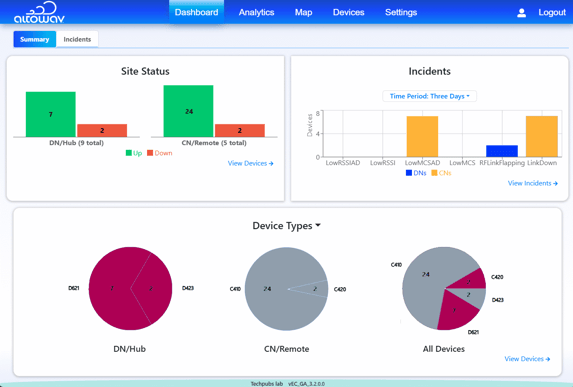
- In the dropdown for the Device Types pane, select Software Version.