
The recommended way to upgrade devices is to use the fleet upgrade option, as described in this procedure. However, you can also upgrade devices individually, either from within AltoCommand or from the device WebUI (see Upgrade an individual device or see the device documentation).
-
Open the AltoCommand WebUI:
In your browser's address bar, type:
https://hostname
where hostname is the fully qualified domain name of the AltoCommand server.
-
Log into the WebUI as a user with admin privileges.
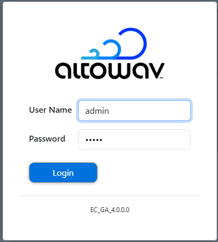
The default username is admin
The default password is admin
The AltoCommand WebUI will open to the Dashboard's Summary page.
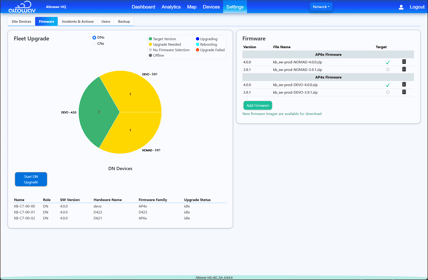
- From the menu bar, click Settings.
- Click the Firmware tab.
- To upgrade all DNs in your fleet that are not at the target level, click Start DN Upgrade.
- To upgrade all CNs in your fleet that are not at the target level:
- Click the CNs radio button.
- Click Start CN Upgrade.