- Download the firmware file from support.altowav.com.
- Log into the AltoReach device as described in Connect to the AltoReach device.
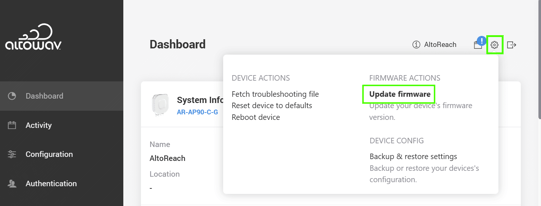
- In the WebUI, click the Tool icon ().
- From the menu, select Update firmware.
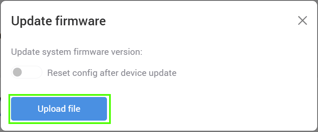
- Click Upload file and browse to the file you downloaded in Step 1.
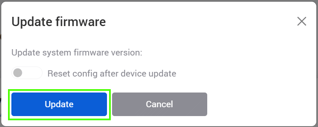
- When the file has completed uploading to the device, click Update.