
A diagnostic file (also know as a diagnostic dump, or diag dump), provides a detailed log of all device activity, useful for Altowav support to investigate issues with a specific device.
To download a diagnostic file:
-
Open the AltoCommand WebUI:
In your browser's address bar, type:
https://hostname
where hostname is the fully qualified domain name of the AltoCommand server.
-
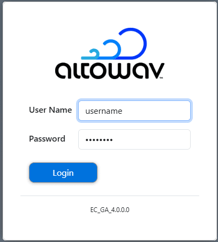
Log into the WebUI as a user with either user or admin privileges.
- From the menu bar, click Devices.
-
Click the Menu icon () at the end of the device's row.
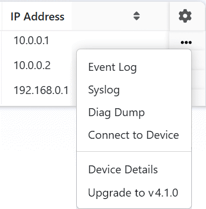
- Select Diag Dump.
The diagnostic file will open in a new browser tab.
-
Click Download to download the file.